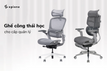



In the morning, I went to work, just sat at my desk for a while and my back was sore, my neck and shoulders were tired. By afternoon, I was fidgeting, standing up and sitting down to find a way to relieve the pain. Don't blame it on deadlines or the rush of work! 99% of the reason is because you are sitting in the wrong posture .
It sounds simple, but most of us do not know how to sit properly. The result is chronic back pain, cervical spondylosis and all kinds of other diseases. Epione will guide you to set up an ergonomic working posture with just 3 extremely simple golden rules .
1. Your back should always be against the chair.
This is the most important principle. When sitting, make sure your back is always fully supported against the back of the chair . An ergonomic chair that can support the natural curve of the spine, especially the lumbar region, will help to disperse pressure, reducing stress on the muscles and vertebrae.
 Imagine sitting in a breathable mesh chair with a firmly supported back, without feeling any slouching or wobbling. This not only helps you sit up straight but is also extremely comfortable, even when working for long periods of time.
2. Eyes level with the screen
One of the most common mistakes is placing the monitor too low, forcing us to tilt our heads to see. This posture not only causes neck strain but also puts a lot of pressure on the cervical vertebrae.
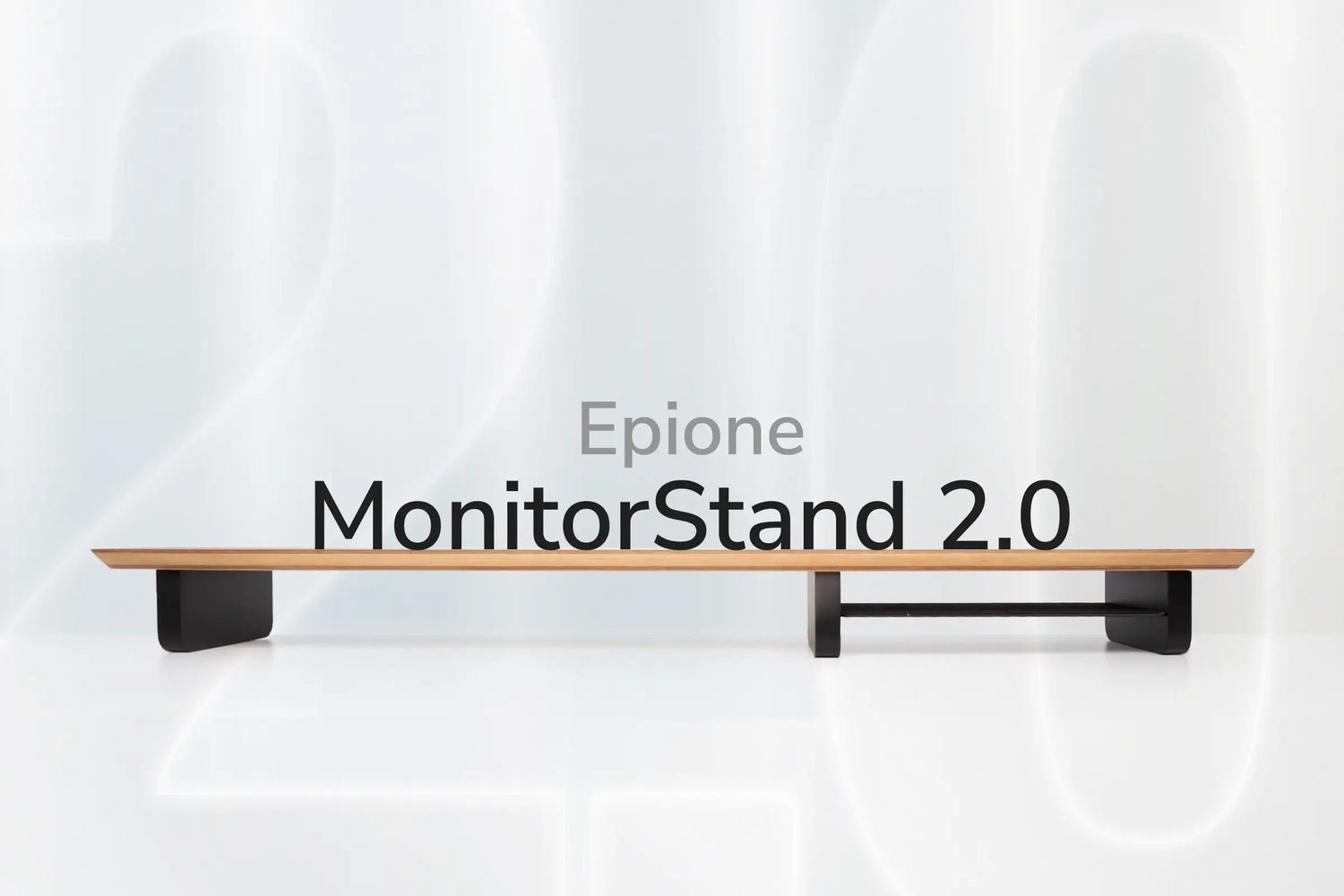
You should adjust your computer screen so that the top of the screen is at eye level . This allows you to look straight ahead naturally. If you use a laptop, use a monitor stand to raise the height, combined with a separate keyboard and mouse. This will help you keep your neck straight and not hunched over.

3. Feet comfortably touch the ground, table at elbow level
A correct sitting posture is when your feet touch the floor comfortably , forming a 90 degree angle at the knee. If your feet do not touch the floor, use an ergonomic footrest . This helps blood circulation better, avoiding numbness and edema.
The height of your desk is also important. The desk should be at a height where your elbows and forearms form a 90-degree angle when you bend them, and your wrists are in line with the keyboard. This allows you to work on the keyboard and mouse without having to stretch or strain. Choosing a height-adjustable desk will give you maximum flexibility, allowing you to easily change your sitting and standing positions.

In short , with just the 3 simple principles above, you can change your daily work habits, significantly reduce back and neck pain and improve your long-term health. Don't let the pain reduce your productivity. Build an ergonomically standard work corner today!